Does FocusCall actually call my phone?
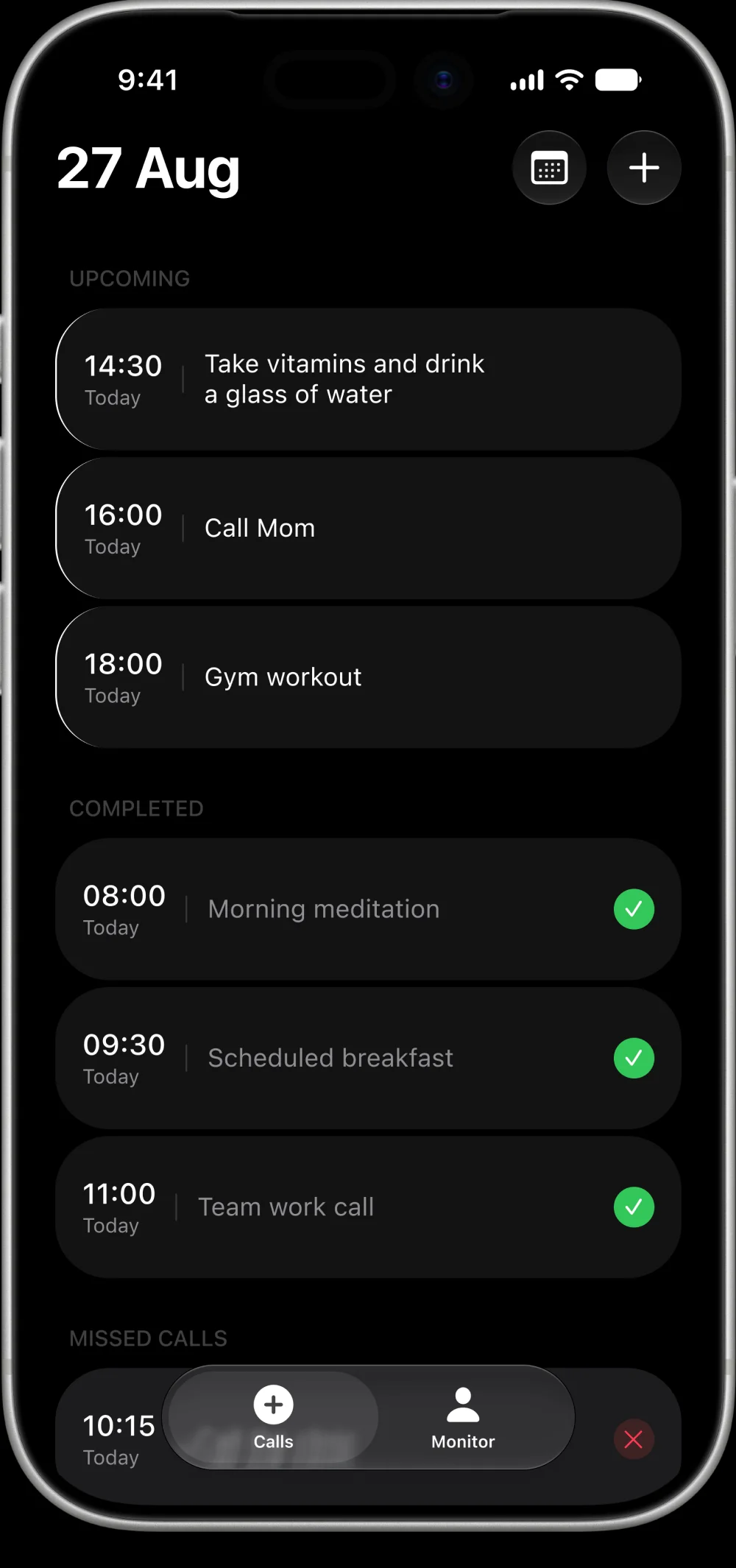
Yes — a real phone call, built for people with ADHD who ignore push notifications. When a reminder is due, FocusCall dials your verified number and a voice reads out the task. You answer with a key press: 1 for done, 2 to snooze an hour, 3 for tomorrow.
Is this spam or a robocall?
No. FocusCall only calls the number you typed in and confirmed with a one-time code, and only for reminders you created yourself. You give consent before the first call, and pressing 0 on any call stops every future call instantly.
What if I don't answer the first call?
Nag Mode calls back a few minutes later — you choose how many times and how far apart. It keeps trying until you actually respond, instead of giving up after one attempt like a notification does.
Can I stop the calls at any time?
Yes. Press 9 during any call to cancel that reminder, or press 0 to stop all reminder calls immediately — no need to open the app or dig through settings.
How much does FocusCall cost?
Free includes 5 reminder calls a month to try it. Pro is $9.99/month for up to ~15 calls a day with full Nag Mode and recurring reminders. Pro+ is $19.99/month for up to ~30 calls a day. Billed through the App Store; cancel anytime.
Is FocusCall available outside the US?
Right now FocusCall supports US and Canada phone numbers. More regions are on the roadmap — join the notify list below and we'll email you when yours opens up.
Is there an Android version?
Not yet — FocusCall is only available on iOS right now, with no confirmed Android release date.
What happens to my data?
FocusCall only uses your phone number to place the reminder calls you scheduled. Calendar sync, if you turn it on, only reads event titles and times from your phone's calendar — nothing is ever written back, and you can disconnect it anytime. Nothing is sold or used for ads.